
Speaker Dust Cleaning Sound
Use a cleaning sound to help loosen dust, lint, and debris from your phone speaker. Choose the mode that matches your problem.
Rising sweep — shakes loose dust and lint of different sizes.
Start at a moderate volume. These cleaning sounds are not a guaranteed way to remove dust or water, or to repair a damaged speaker. Stop if the sound is uncomfortable.
No App Required
Works in Browser
6 Cleaning Modes
Keep your phone speaker facing downward while using the cleaning sound.
Is Dust Making Your Phone Speaker Sound Muffled?
Does your phone sound quieter than usual? Do calls sound unclear or music seem muffled?
Dust, lint, and small particles can collect around the tiny openings of a phone speaker over time. When the speaker grille becomes blocked, sound may become quieter or less clear. A speaker dust cleaning sound provides a simple way to help loosen loose particles without putting a sharp object inside the speaker holes.
Try the cleaning sound first, then test your phone speaker again.
How Speaker Dust Cleaning Sound Works
A phone speaker produces sound by moving a small speaker diaphragm back and forth.
How Speaker Dust Cleaning Sound Works
A phone speaker produces sound by moving a small speaker diaphragm back and forth. When a cleaning tone plays, that movement creates vibration through the speaker. These vibrations may help loosen small amounts of loose dust and debris around the speaker grille.
Sound Vibrations
The cleaning sound uses audio vibrations produced directly by your phone speaker. You do not need to install an app or connect another device.
Dust and Lint
Small particles such as pocket lint and loose dust can collect around the speaker grille. Vibration may help loosen particles that are not tightly packed.
Speaker Grille
The speaker grille contains very small openings that allow sound to pass through. Keeping the outside of the grille clean can help maintain clear audio.
How to Use the Speaker Dust Cleaning Sound
Using the tool only takes a few simple steps.
Remove Your Phone Case
Take off your phone case before cleaning. Some cases partially cover the speaker openings and can collect dust around the grille.
Turn Up the Volume
Set your phone volume to a high level before starting the cleaning sound. Keep the phone away from your ears while the cleaning sound is playing.
Point the Speaker Down
Hold or place the phone so the speaker grille faces downward. This can help loosened particles move away from the speaker opening.
Start the Cleaning Sound
Press the start button and let the speaker dust cleaning sound play for the recommended time.
Check Your Speaker
After the sound stops, play music, a video, or another audio track to check whether your speaker sounds clearer.
Why Use a Speaker Dust Cleaning Sound?
A sound-based cleaning method is convenient when you want to try cleaning loose speaker debris without inserting objects into the speaker holes.
Helps Loosen Loose Dust
Speaker vibrations may help loosen small particles sitting around the speaker grille.
Helps With Pocket Lint
Pocket lint can build up around phone speaker openings. A cleaning sound may help loosen loose lint.
No App Required
The tool works directly from your web browser. You do not need to download a separate application.
Simple to Use
There are no complicated settings. Open the tool, prepare your phone, and start the cleaning sound.
Works From Your Phone
The cleaning sound is played through the phone's own speaker, so you can use it directly on the device that needs cleaning.
Speaker Dust Cleaning Sound for iPhone and Android
The tool can be used with many modern smartphones that can play audio through their built-in speakers.
iPhone Speaker Dust Cleaning
iPhone speaker grilles can collect dust and lint from everyday use. If your iPhone sounds muffled, you can try a speaker dust cleaning sound before using physical cleaning methods.
Clean iPhone Speaker →Samsung Speaker Dust Cleaning
Samsung Galaxy phones can also collect dust around their speaker openings. Use the cleaning sound to help loosen loose particles and then test your audio again.
Clean Samsung Speaker →Google Pixel Speaker Cleaning
If your Google Pixel speaker sounds quieter or muffled, a sound-based cleaning method may help loosen loose debris around the speaker grille.
Clean Pixel Speaker →Other Android Phones
The same basic method can be used on many Android phones, including OnePlus, Xiaomi, Oppo, Vivo, Motorola, Huawei, and other devices.
Clean Android Speaker →Clean Your Phone Speaker Online
Use the speaker dust cleaning sound directly from your browser. No app or download required.
Start Speaker Cleaning →When Should You Use a Speaker Cleaning Sound?
You may want to try a speaker dust cleaning sound when:
Your phone speaker sounds quieter than before.
Music sounds slightly muffled.
Calls are harder to hear.
You can see dust around the speaker grille.
Pocket lint has collected around the speaker.
Your phone has been used in a dusty environment.
Your speaker became less clear after carrying the phone in a pocket or bag.
Speaker Dust vs Water: Which Cleaning Method Should You Use?
Dust and water are different problems, so they should not always be treated in the same way.
| Situation | What You May Notice | What You Can Try |
|---|---|---|
| Speaker Has Dust | Sound gradually became muffled or lint and dust are visible around the speaker grille. | A speaker dust cleaning sound may help loosen loose particles. |
| Speaker Got Wet | The speaker became muffled immediately after rain, a splash, or contact with water. | Keep the phone away from charging until the charging area is dry. Follow your device manufacturer's liquid-exposure guidance. |
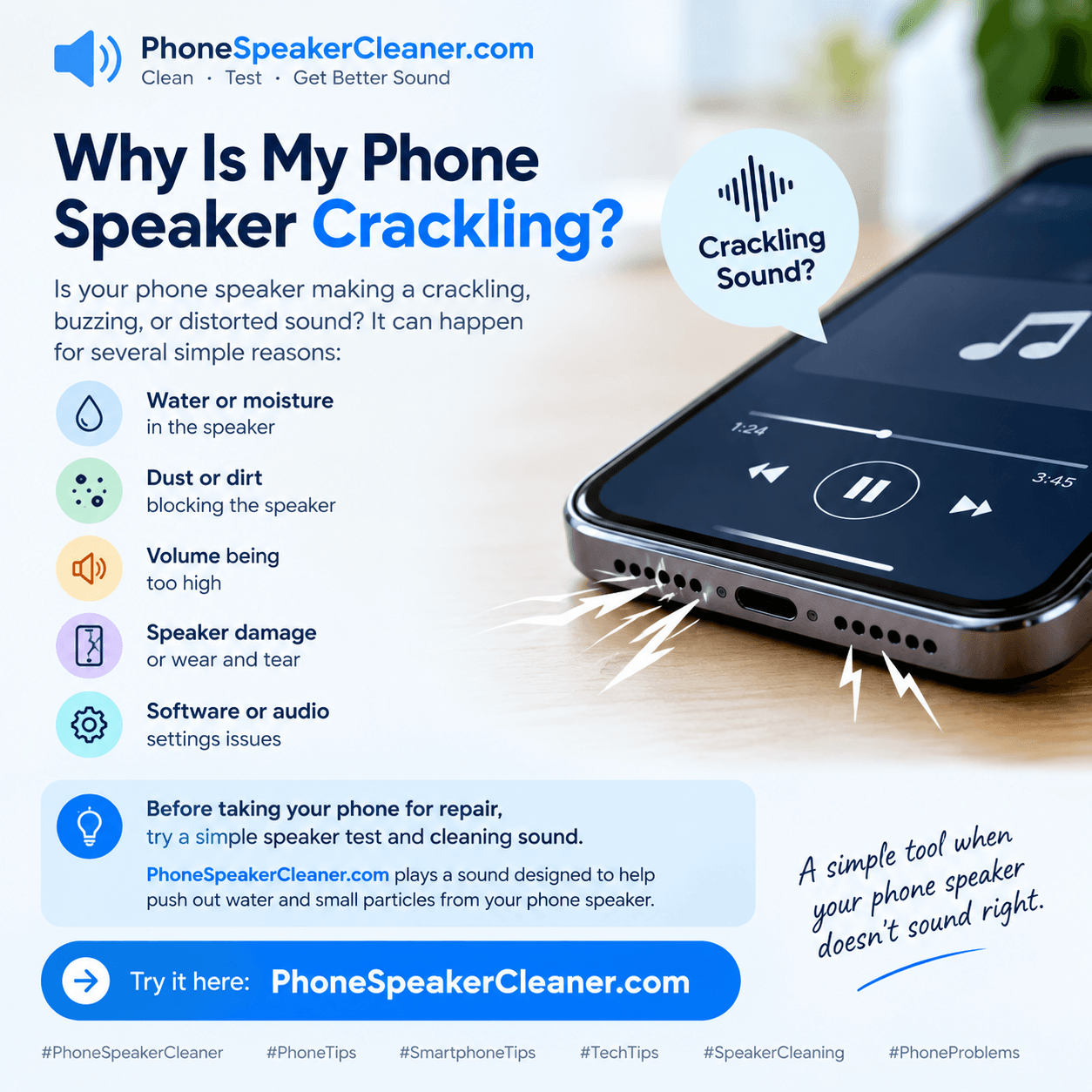
| Speaker Still Sounds Bad | The speaker remains distorted, crackles, produces no sound, or behaves differently after cleaning or drying. | The problem may be hardware-related. A cleaning sound cannot repair a physically damaged speaker. |
Is Speaker Dust Cleaning Sound Safe?
A speaker dust cleaning sound is simply audio played through your phone's speaker. It does not require opening your phone or inserting anything into the speaker.
Keep the phone away from your ears while the cleaning sound is playing. Stop using it if your phone becomes unusually hot or produces abnormal noises.
The tool is designed to help with loose dust and debris. It cannot repair a damaged, blown, corroded, or defective speaker.
What Can Speaker Dust Cleaning Sound Help With?
✓ May Help Loosen
- Loose dust
- Small particles
- Pocket lint
- Light debris around the speaker grille
✕ Not Designed to Repair
- Broken speakers
- Damaged speaker components
- Corroded hardware
- Torn speaker membranes
- Permanently damaged audio circuits
Clean Your Phone Speaker in Seconds
No complicated software or separate app is needed. Prepare your phone, start the speaker dust cleaning sound, and check your audio afterward.
START SPEAKER DUST CLEANINGFrequently Asked Questions
Common questions about speaker dust cleaning sound.
What is a speaker dust cleaning sound?
A speaker dust cleaning sound is an audio tone or sound pattern played through a device's speaker to create vibration. The vibration may help loosen loose dust, lint, and small particles around the speaker grille.
Does speaker dust cleaning sound remove dust?
It may help loosen loose dust and debris from the speaker grille. It is not a replacement for physical cleaning when dust or lint is tightly packed into the grille.
How do I clean dust from my phone speaker?
Start by removing the phone case and checking the speaker grille. Use a soft, dry brush for visible surface dust, then try a speaker dust cleaning sound to help loosen remaining loose particles.
Does it work on iPhone?
Yes. You can use a browser-based speaker cleaning sound on an iPhone that can play audio through its built-in speaker.
Does it work on Android?
Yes. The cleaning sound can be used on many Android phones, including popular devices from Samsung, Google, Xiaomi, OnePlus, Oppo, Vivo, and others.
Do I need to download an app?
No. SpeakerDustCleaningSound.com works directly in your web browser.
How long should I play the cleaning sound?
Follow the timer and instructions provided by the tool. Avoid unnecessarily long cleaning sessions and stop if the phone behaves abnormally.
Can a speaker cleaning sound remove water?
Sound-based water-eject methods may help move small amounts of trapped moisture from a speaker grille. However, they cannot repair internal liquid damage.
Can it fix a damaged speaker?
No. A cleaning sound cannot repair a physically damaged, blown, corroded, or defective speaker.
Why does my phone speaker sound muffled?
Possible causes include dust, pocket lint, moisture, a blocked speaker grille, software settings, or physical speaker damage. Cleaning the grille can help when debris is the cause.
Ready to Try a Speaker Dust Cleaning Sound?
If dust or loose debris is affecting your phone's audio, try the cleaning sound directly from your browser. Place the speaker downward, start the tool, and check your sound afterward.
▶ START SPEAKER DUST CLEANING SOUND